
Requesting Items
Any student, faculty or staff member at the CapU Squamish campus can request any item in the CapU Library collection be delivered to their campus.
Deliveries are made weekly. You’ll get a notice when the item arrives and is ready for pickup at the front desk.
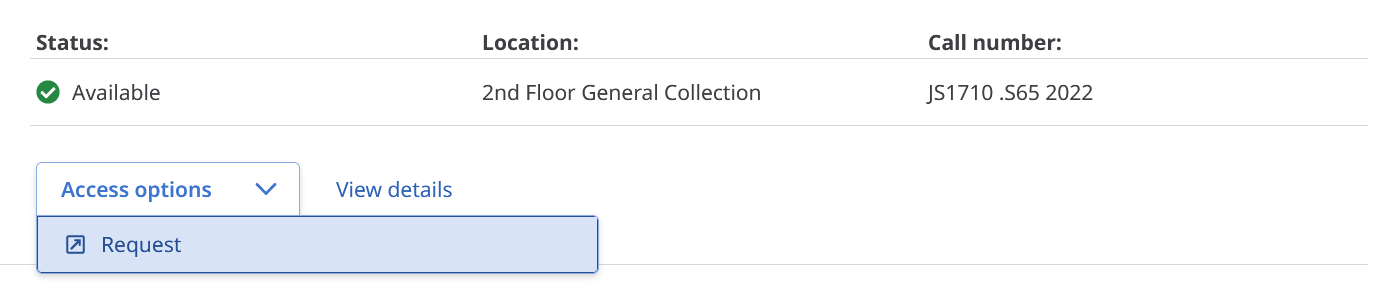
Step 1: To make your request, find the item in Discovery and click Request under the Access options label.
Step 2: You'll see a login page asking you to choose what type of user you are.
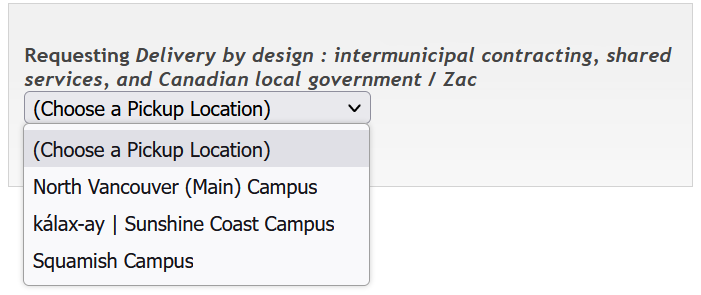
Step 3: After logging in, select the campus you would like the item delivered to.
That’s all there is to it!